About
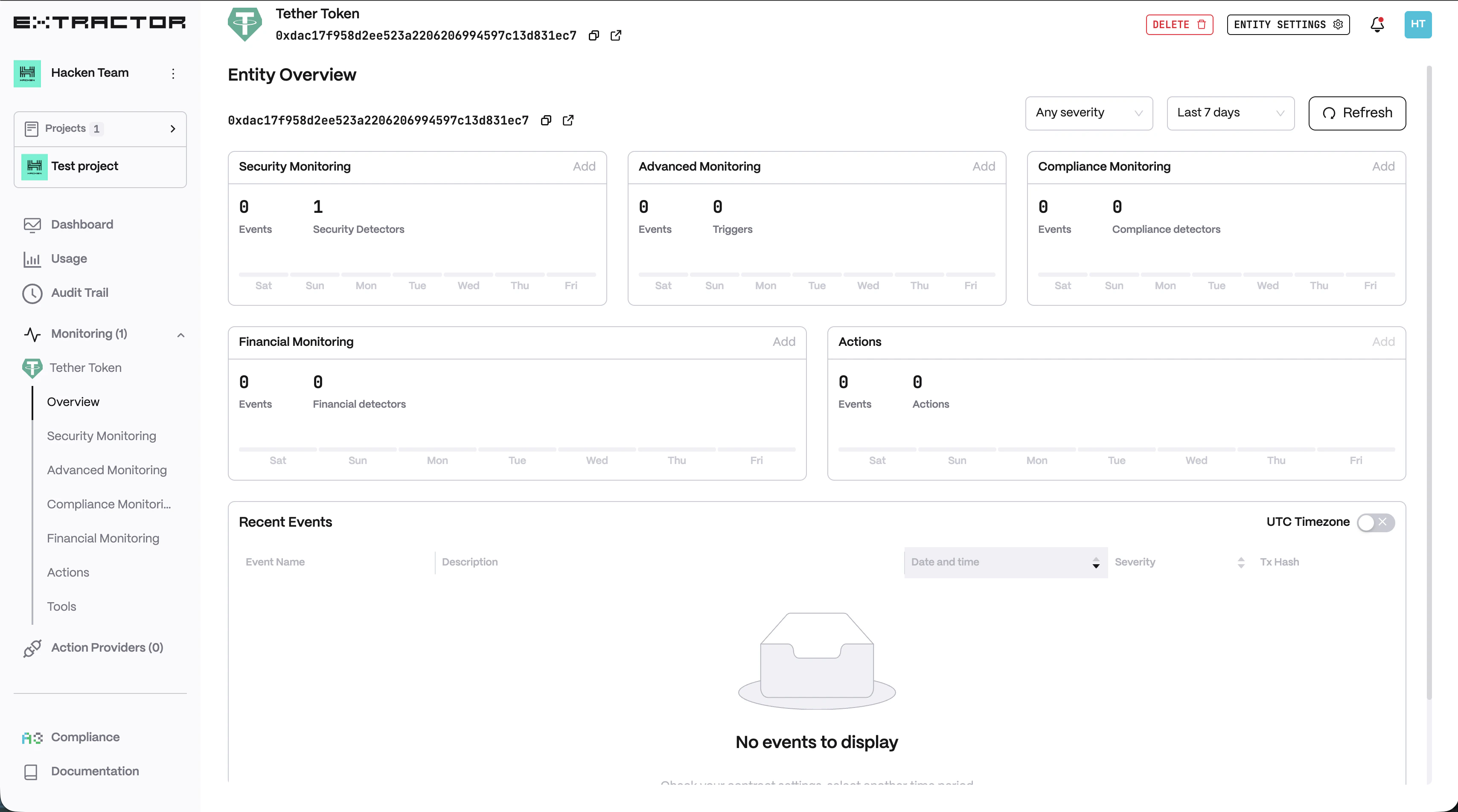
Hacken Extractor is an advanced on-chain security monitoring system that provides real-time monitoring of your addresses and alerts you of any suspicious activity to prevent potential hacks. With Hacken Extractor, you can rest assured that your addresses are secure, and take immediate action if any security threats are detected.Security Monitoring
Detect AML flags, address poisoning, block anomalies, and more.
Advanced Monitoring
Build custom triggers for ERC-20 transfers, function calls, and events.
Compliance Monitoring
Track price, TVL, supply, and regulatory risk indicators.
API Reference
Manage projects, contracts, and alerts programmatically.
How does it work?
Hacken Extractor continuously monitors your addresses and checks every transaction against it by the triggers and detectors.Detectors
Detectors
The purpose of the attack detector is to recognize suspicious activity and collect suspicious accounts and contracts to warn against interactions with those addresses.
Triggers
Triggers
A trigger is a specific condition or set of conditions that are monitored. When these conditions are met, the monitoring system will alert you in real time, providing complete monitoring and protection for your smart contracts. You have full control over the triggers and can customize them to meet your specific security needs, ensuring that the monitoring system only reacts to important events.
Actions
Actions
Smart Contract Actions let you automate on-chain responses when an alert fires — for example, pausing a contract or executing a withdrawal.
Quick setup
1
Sign up / Sign in
Create your account at extractor.hacken.io.
2
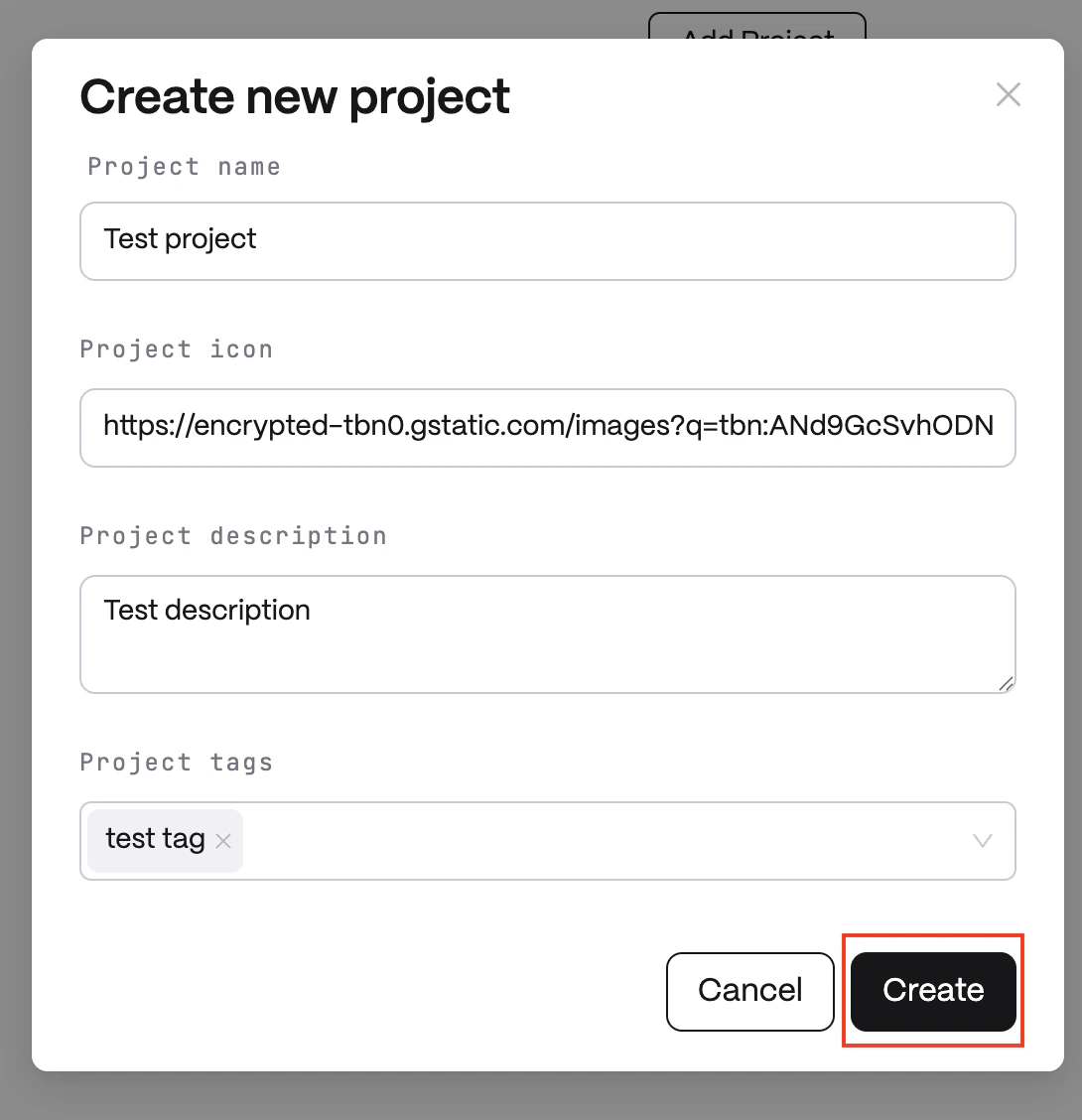
Create a project
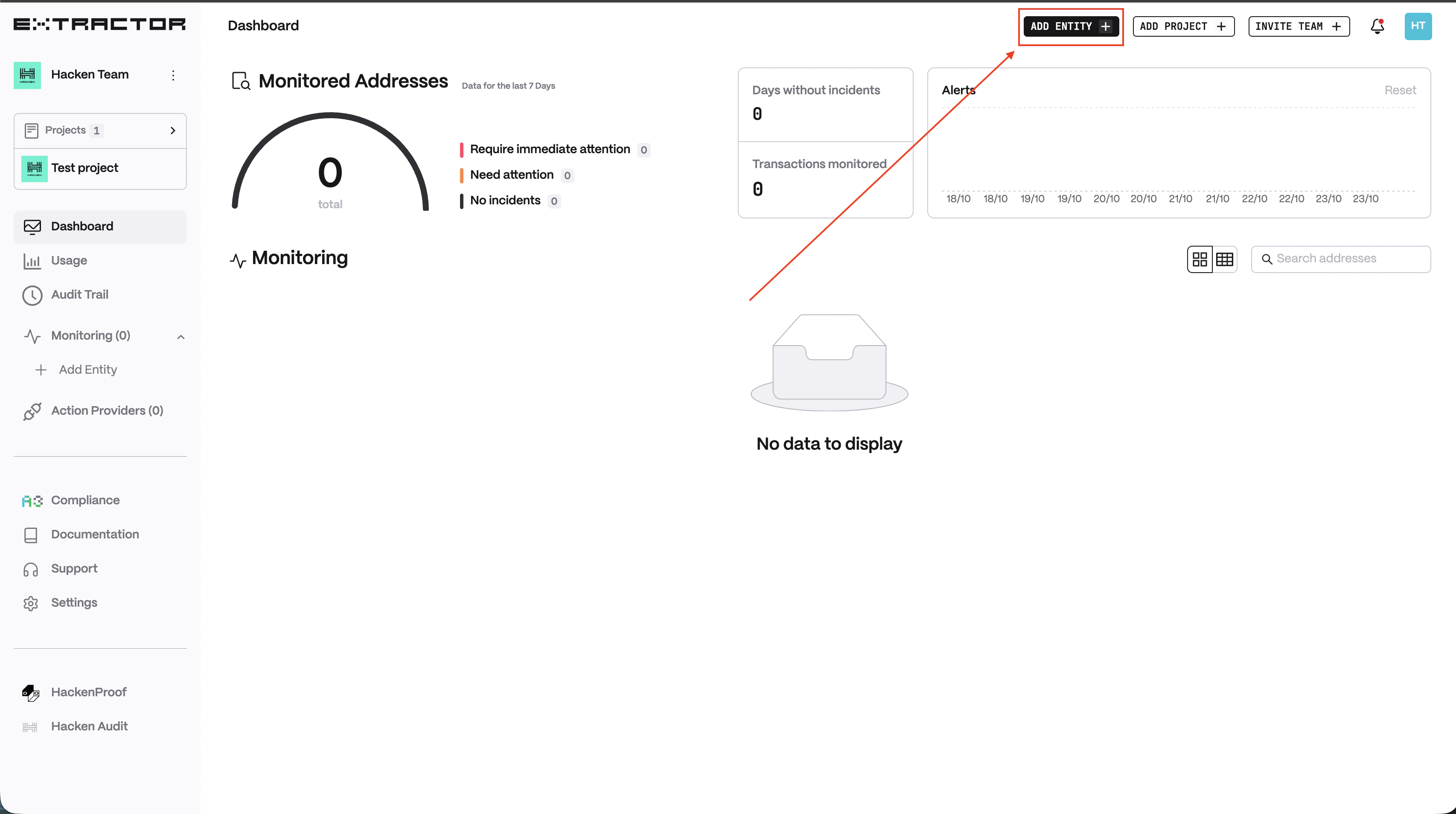
Click Add project, enter a name, and click Create.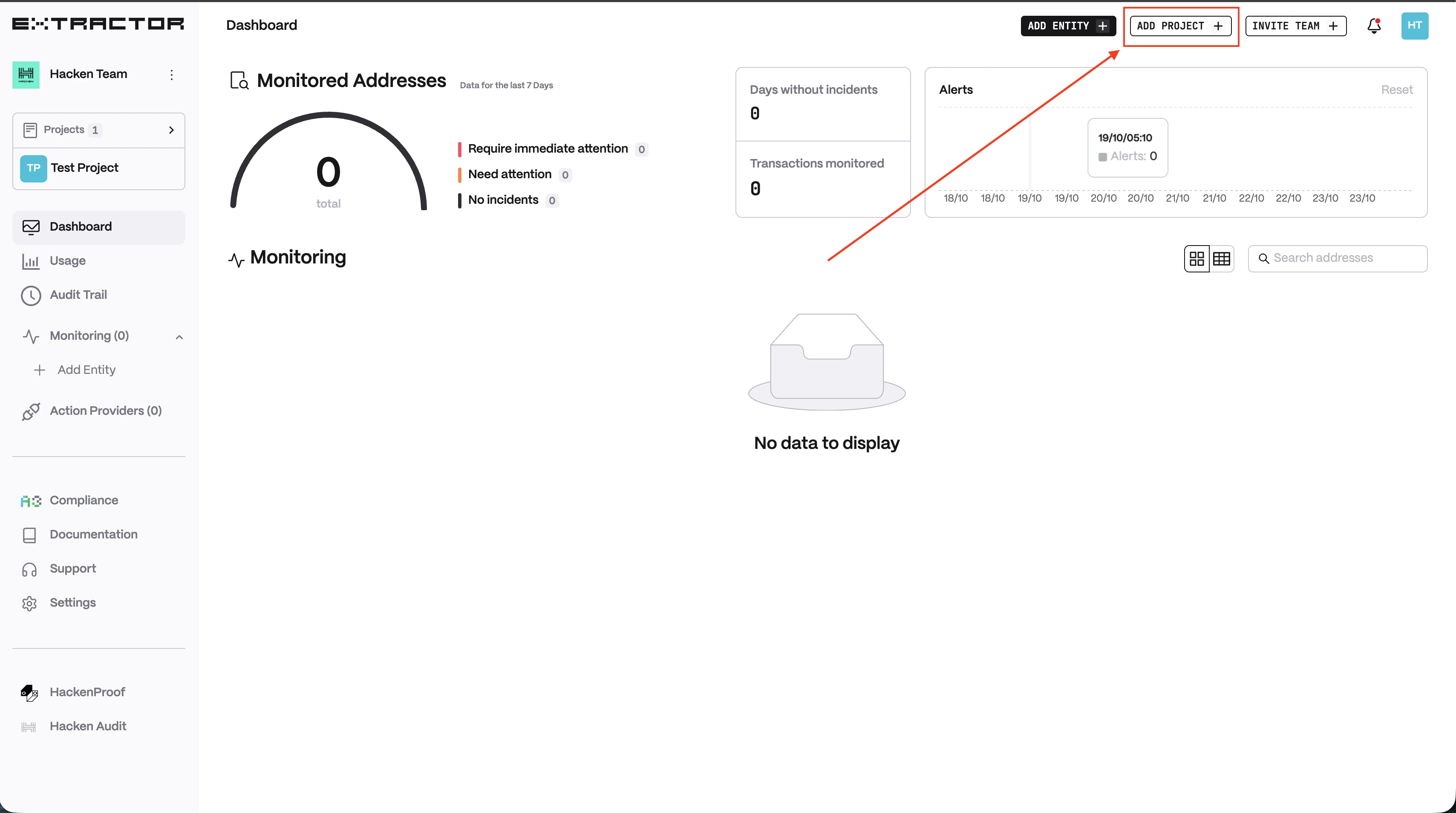
3
Add an address
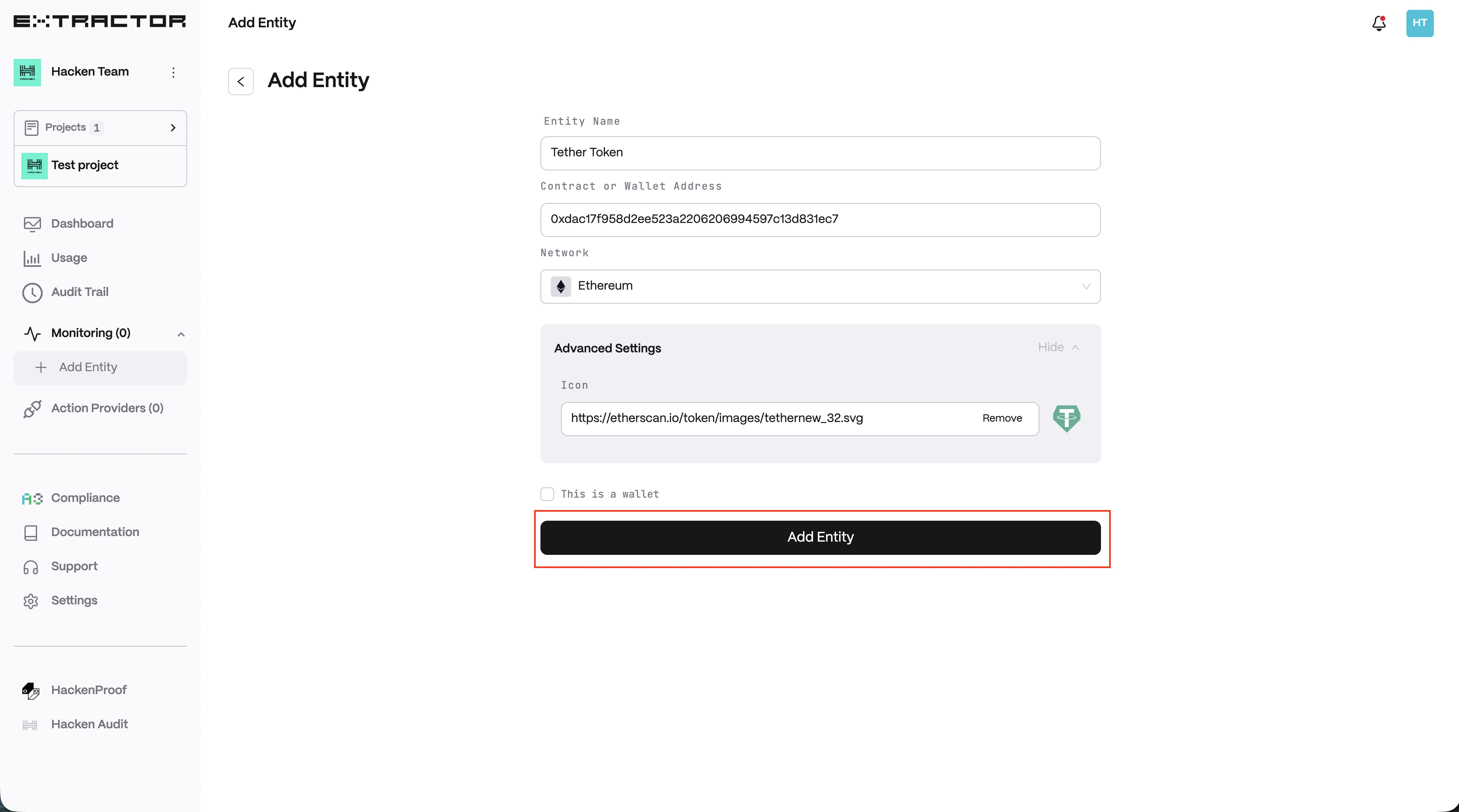
Click Add entity, enter the entity name and address, choose the network, and click Add Entity.