Overview
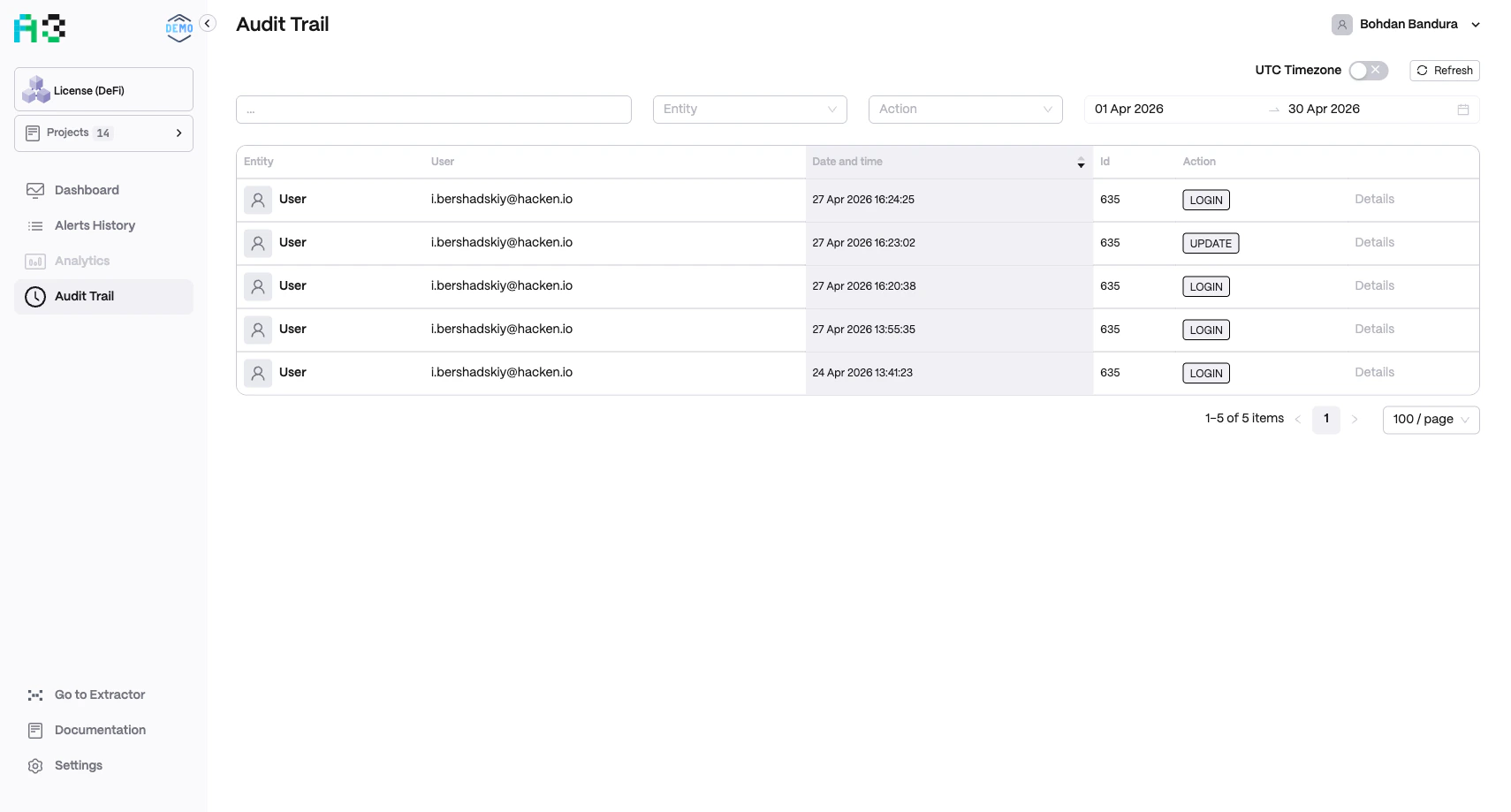
Navigate to Audit Trail in the left sidebar. The trail records all significant user actions — logins, configuration updates, and more — with full attribution and timestamps. Click Refresh to reload the latest entries. Toggle UTC Timezone in the top-right to display timestamps in UTC or your local timezone.Log Table
Each row in the audit log contains:Filters
Use the filter bar at the top to narrow results:- Search — free-text search across entity names and user emails
- Entity — dropdown to filter by entity type
- Action — dropdown to filter by action type
- Date range — date pickers to select a start and end date (defaults to the last 30 days)
Common Action Types
The Audit Trail is read-only. Entries cannot be edited or deleted, ensuring an unmodifiable compliance record.