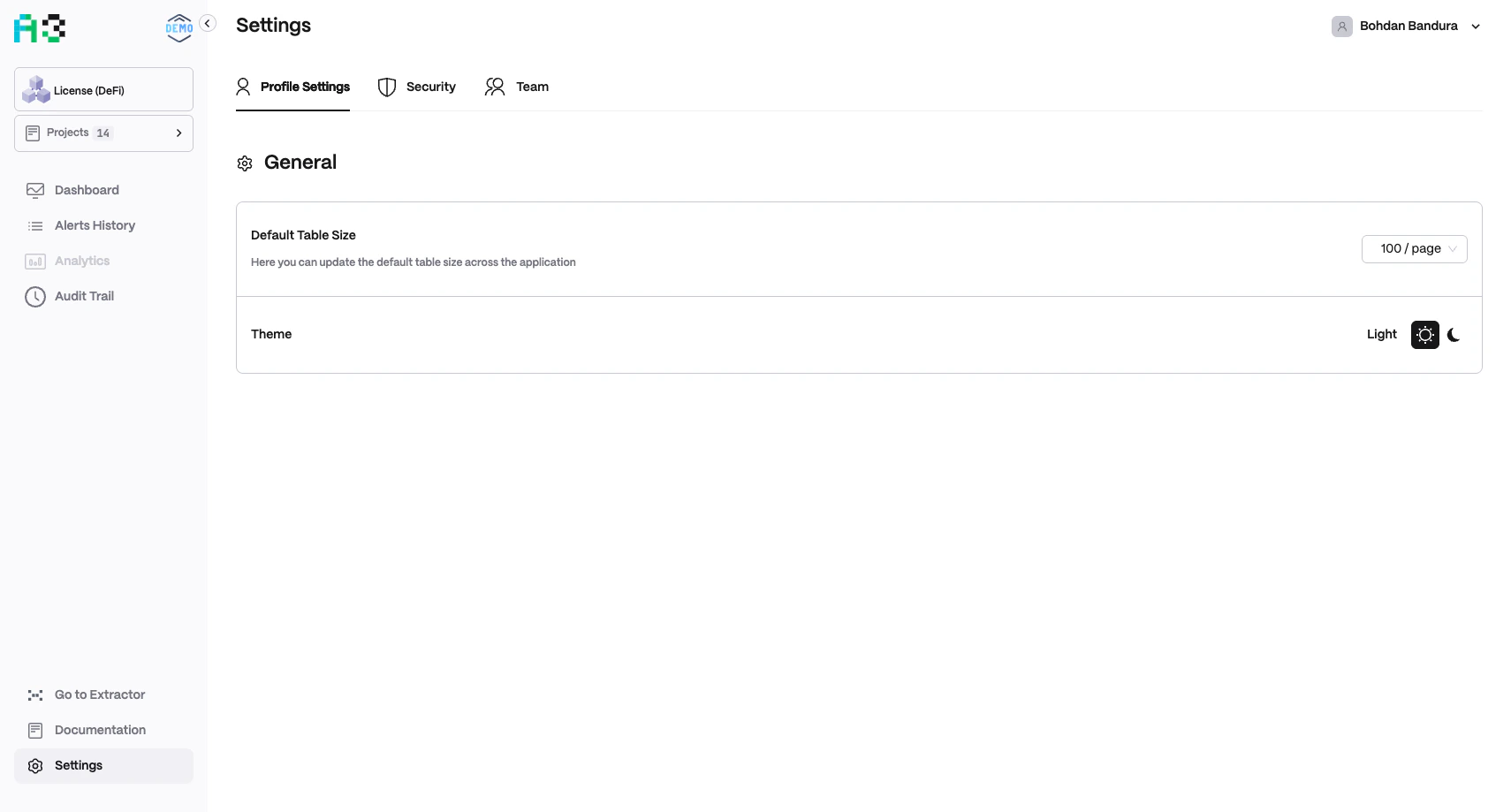
Profile Settings
The Profile Settings tab contains general UI preferences.Security
The Security tab manages two-factor authentication (2FA) devices.- The table lists registered 2FA devices with Device and Enabled columns.
- If no devices are registered, the table shows “No 2FA devices.”
- Click Add New 2FA Device to register an authenticator app or hardware key.
Enabling 2FA is strongly recommended for all users with admin or editor roles, as they can modify monitoring configuration, resolve alerts, and manage team access.
Team
The Team tab lets organization admins manage workspace access.Member List
The three-dot menu (⋮) on each row lets admins edit or remove a member.