- Native transfer (from/to)
- ERC20 transfer (from/to)
- Transaction Events which has Address in its fields
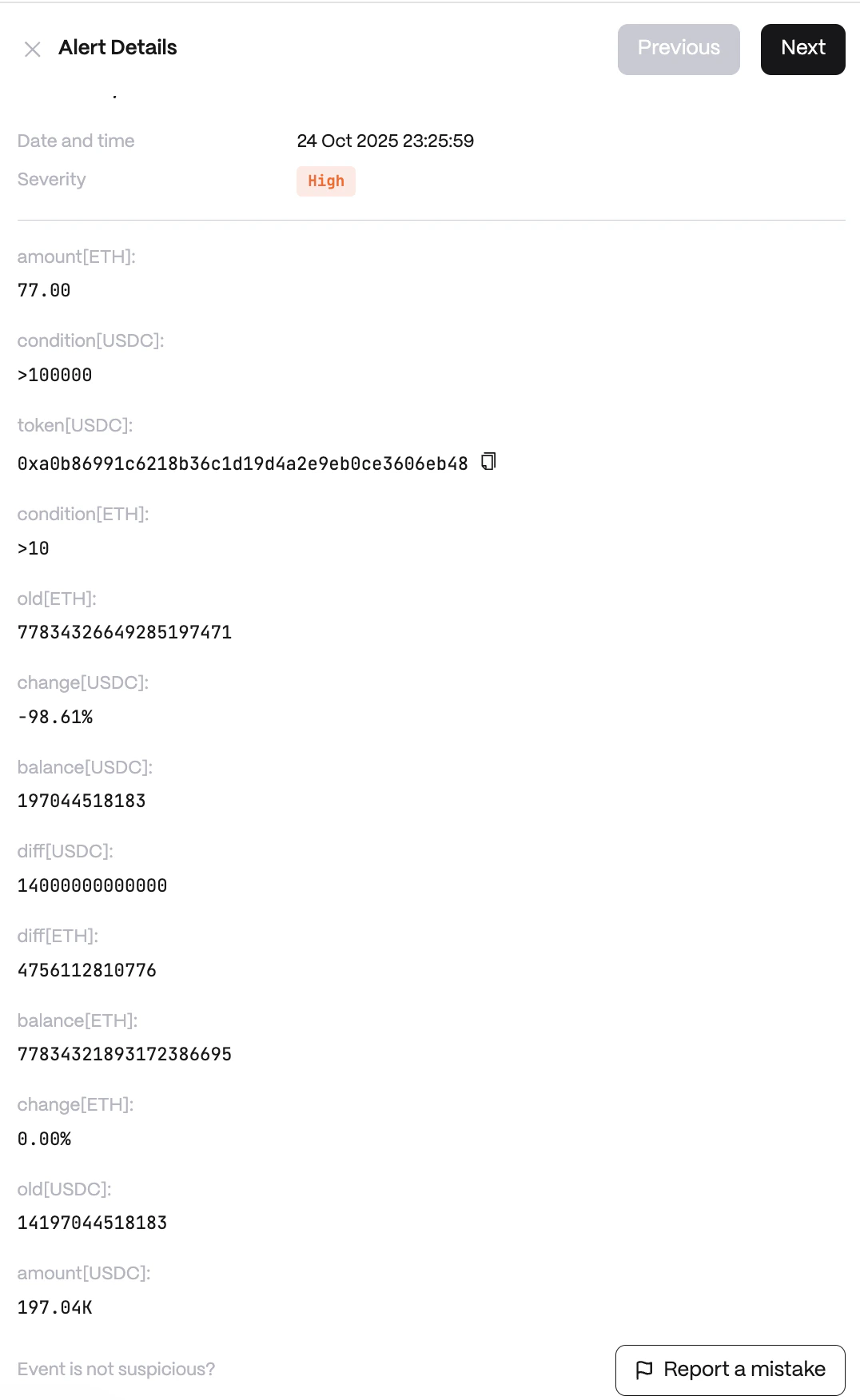
- Hot Wallet Security: keeps track of the balance of these wallets across native coins and tokens. Notice an unexpected balance change – like a large outflow of ETH that wasn’t initiated by the system – the monitor immediately alerts the security team. This rapid notification could indicate a potential compromise or unauthorized withdrawal, allowing you to quickly freeze transactions and investigate, minimizing loss.
- Smart Contract Treasury Tracking: monitor key smart contract addresses, such as liquidity pools or treasury contracts. The detector will generate events for any significant balance shifts involving those contracts. For instance, if an exploit is draining funds from a liquidity pool (reflected as a rapid drop in the pool’s token balances), the monitor will catch the change. It can then alert the protocol administrators and even trigger automated safety measures (like pausing the contract or halting withdrawals) to prevent further damage.
Configuration
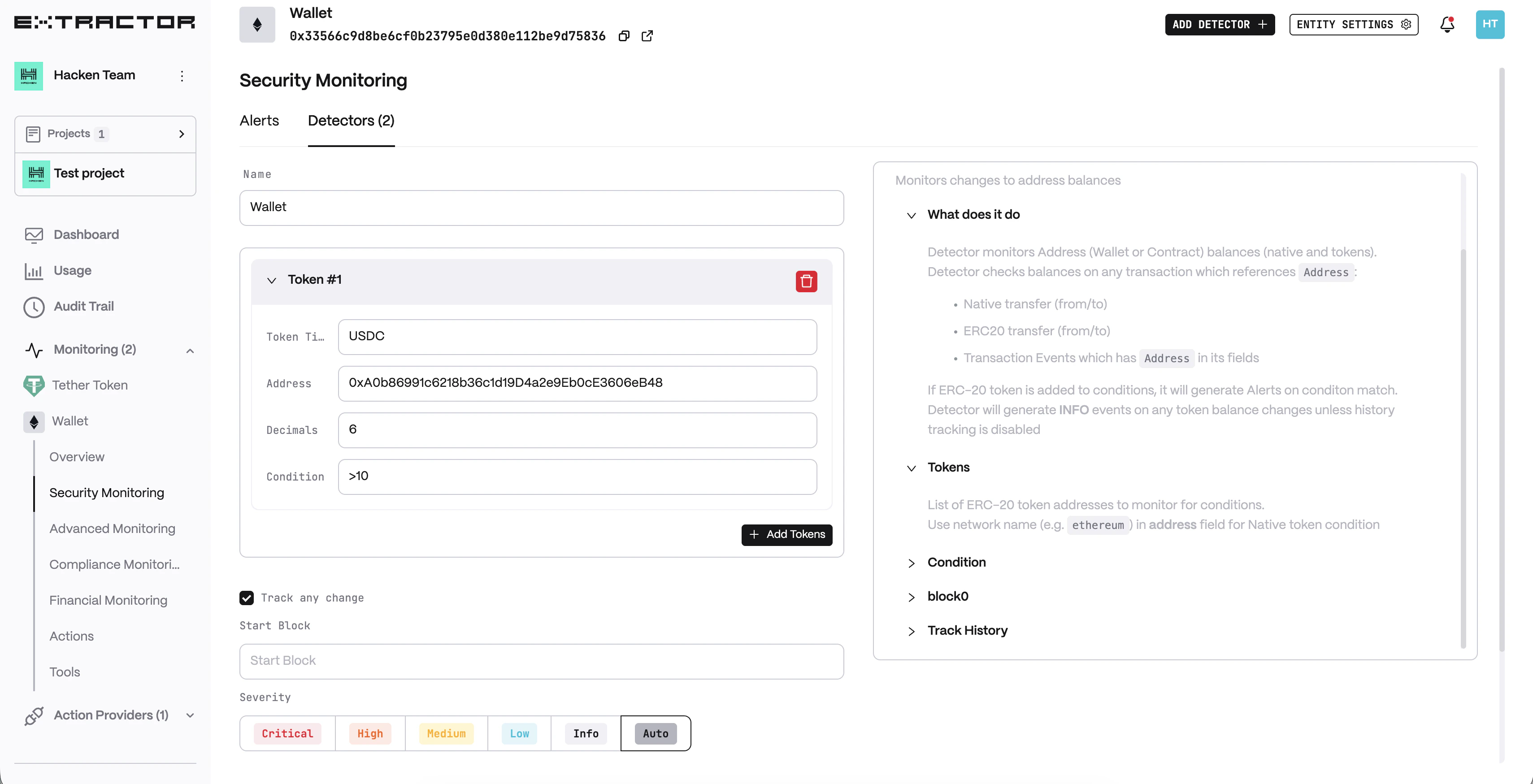
1
Name
Enter a descriptive name for your monitor, for example: “Wallet”.
2
Token
Specify the token(s) to monitor (native or ERC-20).
3
Track any change
Enable to generate alerts on any balance change, not just threshold breaches.
4
Start block
Leave empty to track from the latest block. This option is used only by Admins for replays and will have no effect for real-time on-chain streams.